Mastering the Binance App in 2026: A Complete Step-by-Step Guide for Secure Trading and P2P Excellence
Navigating the world of digital assets requires a platform that combines high-tier security with unmatched liquidity. The Binance app stands at the forefront of this evolution, serving as a comprehensive ecosystem for both novice investors and professional traders. In this guide, you will learn exactly how to set up your account, clear identity verification, manage your funds with low-fee networks, and master the P2P marketplace for seamless local currency transactions.
1. How to Register an Account on the Binance App
The first step to entering the crypto market in 2026 is creating a secure account. The Binance mobile application is designed for speed and efficiency.
Step-by-Step Registration:
- Download the App: Visit the official App Store or Google Play Store and search for the Binance app.
- Sign Up: Open the app and click "Sign Up." You can register using your email address, phone number, or directly via a Google/Apple account.
- Password Creation: Use a strong combination of uppercase letters, numbers, and special symbols.
- Referral ID: If you have a referral code, enter it now to enjoy trading fee discounts.
- Verification: Enter the 6-digit code sent to your email or phone to activate your account.
2. Completing KYC Identity Verification
In 2026, regulatory compliance is more important than ever. Completing the "Know Your Customer" (KYC) process is mandatory to unlock deposit limits, withdrawals, and P2P trading features on the Binance app.
How to verify your identity:
- Access Verification: Click on the "Verify" banner on the home screen.
- Document Upload: You will need a government-issued ID (Passport, Driver’s License, or National ID). Ensure the photos are clear and not blurry.
- Liveness Check: The app will ask you to perform a facial recognition scan (e.g., blinking or nodding).
- Wait for Approval: Verification typically takes between 15 minutes to 24 hours. Once verified, a "Verified" badge will appear on your profile.

3. Depositing and Withdrawing Crypto: Choosing the Right Network
One of the most critical skills for any user is moving funds efficiently. Choosing the wrong network can lead to lost funds or unnecessarily high fees.
How to Deposit Crypto
- Go to the Wallets tab and select Deposit.
- Choose the cryptocurrency (e.g., USDT, BTC).
- Select the Network: This is crucial. For the lowest fees in 2026, users often prefer BNB Smart Chain (BEP20) or TRON (TRC20). Ensure the sending platform uses the exact same network.
- Copy your wallet address and paste it into the external platform.
How to Withdraw Crypto
- Go to Wallets > Withdraw.
- Paste the recipient's address.
- Select the network. Pro Tip: Always double-check that the network matches the recipient's wallet type to avoid permanent loss.
4. Buying and Selling via Binance P2P (Peer-to-Peer)
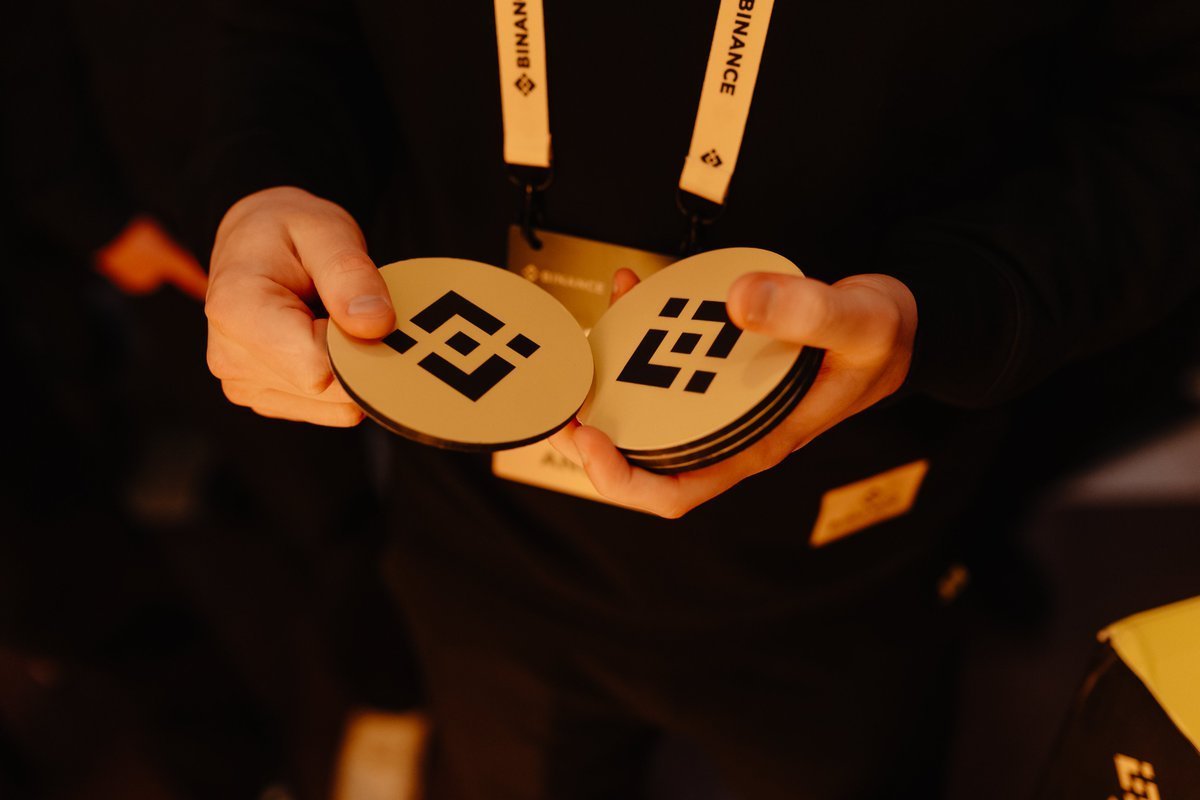
The P2P marketplace on the Binance app is the most popular way to buy crypto using local bank transfers, e-wallets, or cash.
Buying Crypto via P2P:
- Enter P2P Mode: From the home screen, select "P2P Trading."
- Filter Options: Choose "Buy," select your local currency (e.g., USD, EUR, VND), and pick your preferred payment method.
- Select a Merchant: Look for merchants with a high completion rate (95%+) and a "Verified" tick.
- Place Order: Enter the amount you want to spend.
- Payment: Transfer the money to the seller using the details provided. Once sent, click "Transferred, Notify Seller."
- Release: The seller will verify the payment and release the crypto to your Funding Wallet.

5. Pros and Cons of the Binance App
Pros
- Unrivaled Liquidity: Execute large trades instantly without significant price slippage.
- Advanced Security: Features like Passkeys, 2FA, and the Secure Asset Fund for Users (SAFU).
- Diverse Ecosystem: Access to Staking, Launchpads, and the integrated OKX-style Web3 Wallet within the app.
- 2026 Tech Stack: High-speed interface with 24/7 localized customer support.
Cons
- Complexity: The "Pro" interface can be overwhelming for absolute beginners (use "Binance Lite" mode if needed).
- KYC Requirements: Strict identity verification is mandatory for all features.

Frequently Asked Questions (FAQ)
Is the Binance app safe to use in 2026?
Yes, Binance utilizes industry-leading security protocols, including Proof of Reserves (PoR) and multi-tier encryption, to ensure user funds are protected and transparently managed.
Can I buy Bitcoin with my credit card?
Yes, the Binance app offers a "Buy with Card" option, though fees are generally higher compared to P2P trading or bank deposits.
What is the difference between the Spot and Funding wallet?
The Spot Wallet is used for trading on the exchange, while the Funding Wallet is primarily used for P2P transactions and Binance Pay. You can transfer funds between them instantly for free.
Conclusion & Verdict
The Binance app remains the gold standard for cryptocurrency management in 2026. Whether you are looking to perform a simple P2P purchase or engage in complex futures trading, the platform provides the necessary tools and security. By following the steps outlined above—especially regarding network selection and KYC—you can navigate the crypto markets with confidence and efficiency.
Disclaimer: This content is for informational purposes only and does not constitute financial advice. Cryptocurrency investments are highly volatile and carry significant risk. Always conduct your own research before trading or investing.

Binance Exchange Review 2026
binance download
binance staking
binance vs coinbase
binance api
binance academy
binance smart chain
binance referral code
binance sign up
binance fees
binance login
binance us
binance app
binance support
binance coin
bnb
binance exchange
binance futures
binance wallet
binance p2p
Running Shoes
BingX Exchange Review 2026
bingx copy trader
bingx exchange review
bingx ftx
bingx gold
bing bon exchange
bing x apk
bing x review
bingbon bingx
Bybit Exchange Review 2026
bingx copy trader
OKX Exchange Review 2026
Claim up to 10,000 USD in Mystery Boxes
bingx copy trader